Most smart-home gear is sold on convenience and novelty, not on savings, and a drawer full of clever gadgets does nothing for your energy use. But a handful of devices genuinely pay for themselves by cutting consumption, and the trick is knowing which ones and buying them in the right order. Below are the categories that actually reduce a household’s energy use, what each realistically saves, and the popular purchases that are pure convenience dressed up as efficiency. Buy for the savings, not for the app.
The honest rule is that a smart device only saves money if it changes how much energy a high-use appliance draws. Anything that just adds an app to something cheap to run is a toy, however satisfying.
1. Smart plugs and timers
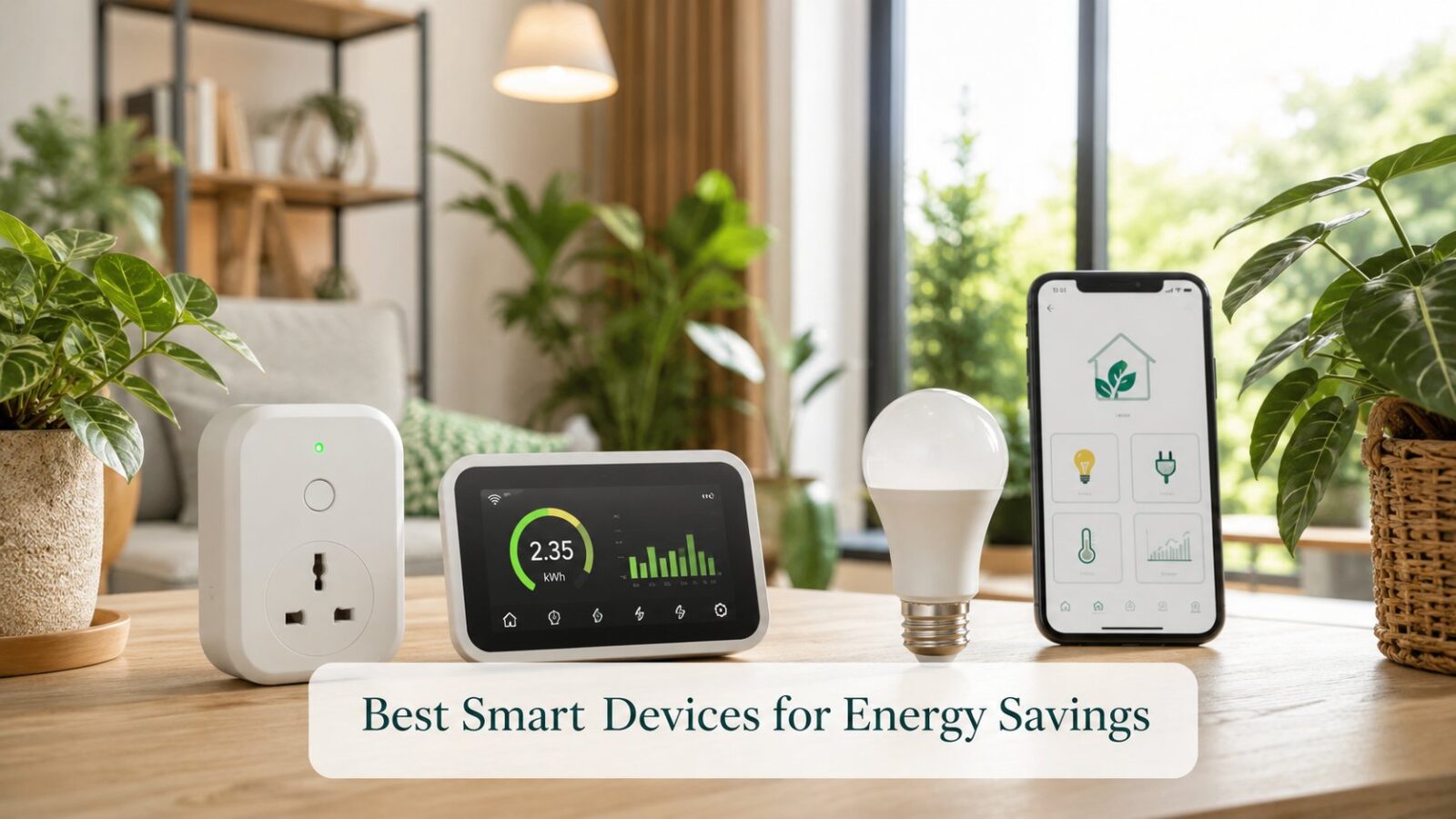
The cheapest, highest-return entry point. A smart plug or timer kills the standby draw on a cluster of devices and, more importantly, schedules the expensive ones, the water heater, the pump, the heating or cooling, so they run only when needed. They pay back quickly and pair perfectly with the free habits in our energy-saving guide.
2. Smart thermostats and cooling controls
Heating and cooling are the biggest energy users in most homes, so anything that manages them intelligently has the most to save. A smart thermostat or controller can schedule the system, ease the set temperature automatically at night, and stop it running in an empty home. Whether the savings justify the cost for cooling is examined in our look at smart AC controllers, but this is the category with the biggest upside.
3. Energy monitors
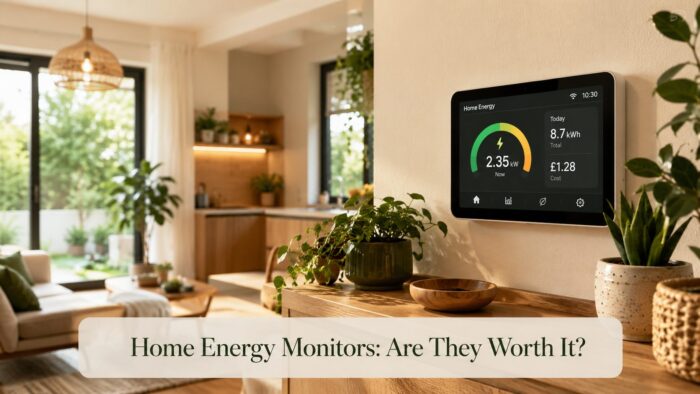
You cannot cut what you cannot see. A monitor reveals which appliance is quietly costing the most, turning guesswork into targeted action. The savings come from the behaviour it prompts rather than the device itself, and the options are covered in our home energy monitor guide. For many homes, the first month of insight alone pays for the device by exposing an obvious waster.
4. Smart lighting
Lighting is already cheap once you have switched to LEDs, so smart bulbs save modestly, mostly by ensuring lights are never left on and by dimming when full brightness is not needed. The bigger question of bulb choice is settled in our comparison of LED, CFL, and smart bulbs. Treat smart lighting as a small efficiency gain with a convenience bonus, not a major saver.
5. Smart water-heater controls
Water heating is a large, hidden cost, and a heater left on far longer than needed wastes a great deal. A smart switch or timer that runs the heater for a set window before use removes that waste cheaply. For homes with electric water heating, this is among the most overlooked savings on the list.
What to skip (convenience, not savings)
- Smart speakers and displays, useful and fun, but they consume rather than save.
- Smart locks and video doorbells, worthwhile for security, irrelevant to your energy use.
- App-connected versions of low-power gadgets, which add cost without cutting consumption.
- Whole-home “automation” hubs bought before you own anything worth automating.
A sensible buying order
- First: a couple of smart plugs or timers for the water heater, pump, and standby clusters.
- Second: an energy monitor to find your biggest waster.
- Third: a smart thermostat or cooling controller if heating and cooling dominate your use.
- Fourth: smart lighting and water-heater controls for the smaller, steady gains.
How smart devices actually create savings
It helps to understand why some devices save and others do not, so you can judge any new gadget yourself. Savings come from three mechanisms, and a device that uses none of them will not lower your usage.
- Scheduling: running a high-draw device, the water heater, pump, or cooling, only in the window you actually need it.
- Avoiding waste: switching things fully off rather than leaving them on or on standby.
- Visibility: showing you consumption so you change behaviour, which is where monitors earn their keep.
Apply that test to anything marketed as “smart” and “energy-saving”, and most of the convenience gadgets fail it instantly.
Matching devices to your home
The right starter device depends on what dominates your own energy use, so a quick self-check saves money.
- If heating and cooling run for long hours, a smart thermostat or controller is the first buy.
- If you have electric water heating, a timer or smart switch on it is the cheapest high-value win.
- If you simply do not know where your energy goes, start with a monitor and let the data decide.
- If your home is already lean, a couple of smart plugs for standby clusters may be all you need.
Common mistakes
- Buying smart speakers and locks expecting them to lower energy use.
- Automating cheap-to-run devices while ignoring heating, cooling, and water heating.
- Skipping the energy monitor, then guessing wrong about what to cut.
- Mixing incompatible ecosystems so nothing coordinates.
- Treating convenience features as if they were efficiency features.
Editor’s note
The single most useful smart purchase for most homes is the least glamorous: a monitor that shows where the energy actually goes, followed by a controller for heating and cooling, which is almost always the biggest user. Resist the speakers and doorbells until the savers are in place. A smart home that lowers your usage is built from a few boring, well-chosen devices aimed at climate control and water heating, not from a shelf of voice-controlled gadgets that quietly add to the very bill you are trying to cut.
Frequently asked questions
Which smart device saves the most energy?
For most homes, a smart thermostat or cooling controller, because heating and cooling are the largest energy users. A close second is a smart water-heater timer, since water heating is a big, often-wasted cost.
Are smart bulbs worth it for saving money?
Only modestly, once you already use LEDs. They mainly prevent lights being left on and allow dimming. Buy them for convenience, and look to climate control and water heating for real savings.
Do smart plugs use electricity themselves?
A tiny amount, since they stay connected to receive commands, but it is negligible and far outweighed by what they save when used to schedule a water heater or kill standby draw across several devices.
The bottom line
The smart devices that actually cut a home’s energy use target the big users: heating, cooling, and water heating. Start with cheap smart plugs and timers, add an energy monitor to find your worst offender, then a smart thermostat or cooling controller. Skip the speakers, locks, and app-everything gadgets sold as efficiency. Bought in that order, smart technology pays for itself; bought for novelty, it just adds to the cost.